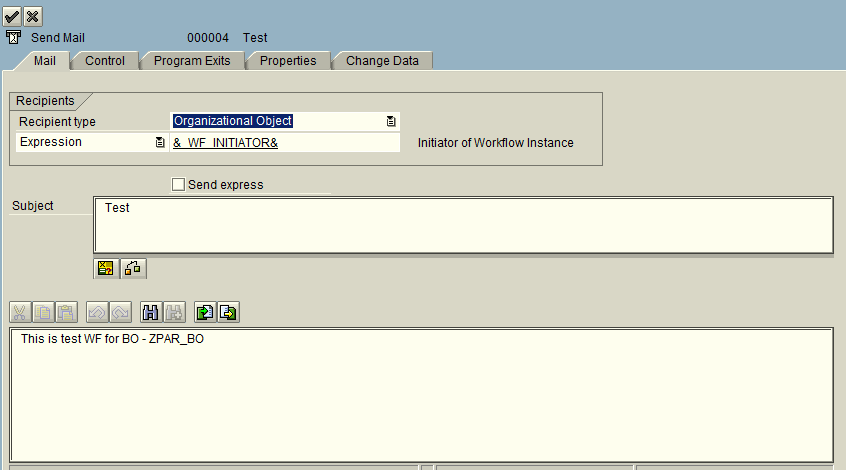
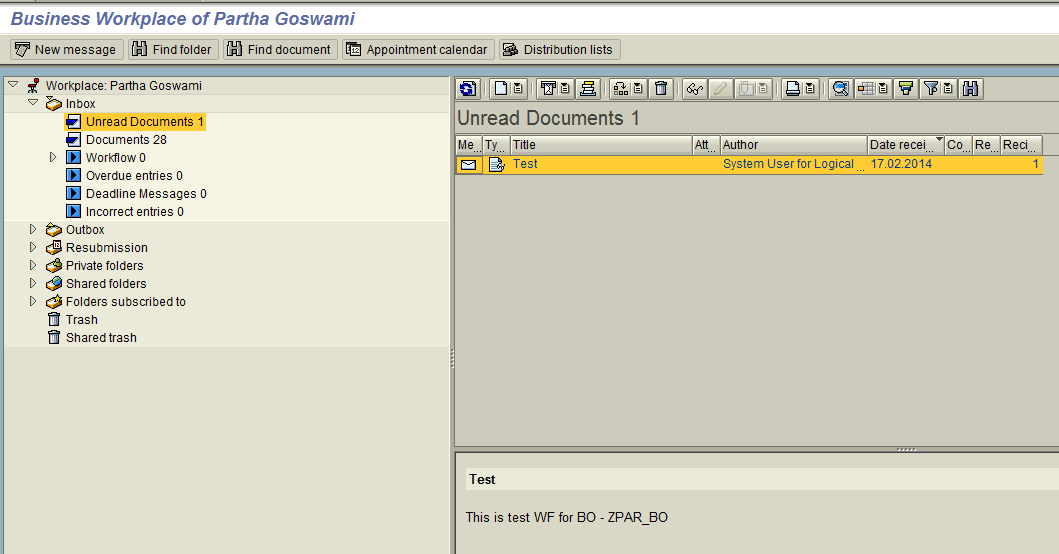
It is always said that testing workflow is a difficult job. It will more difficult when the WF task is a background task. Because only putting a breakpoint in the background task method will not go in debugging.
Debug in WF means we are debugging some code in the BO-method or Class-method that is assigned to some WF task.
You can follow the below steps to debug a background task.
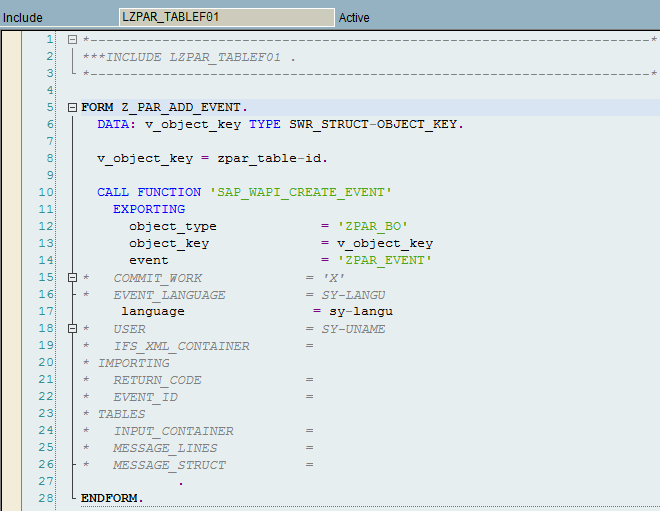
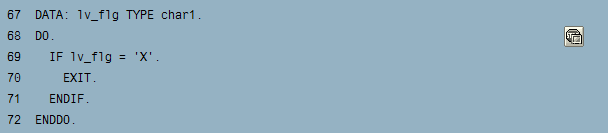
- Put a break point inside your BO-method. (Write the sample code DO.. ENDDO to make it infinite loop so that an entry get created in SM50)
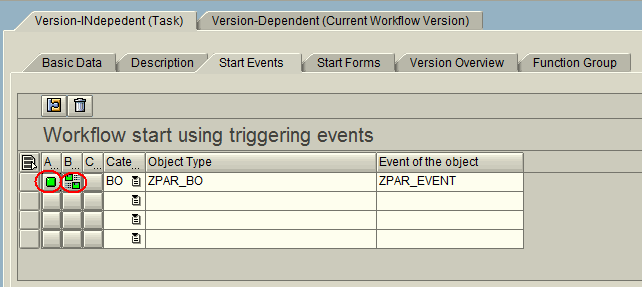
- Execute your WF.
- Go to SM50.
- Select the particular record.
(You can see the BO name as Report and WF-BATCH as User Name)

- Program/Session – Program – Debugging

- Assign LV_FLG = ‘X’ so that you can exit from the infinite loop.

Note: Basically the background task escapes all the break point.
Here we have done with a infinite loop (DO.. ENDDO) and the same will appear in SM50 (process overview) with Running status. From there (SM50) you can now able to debug the code in foreground.